Use shipping settings to control who can operate in Spero and where you can deliver.
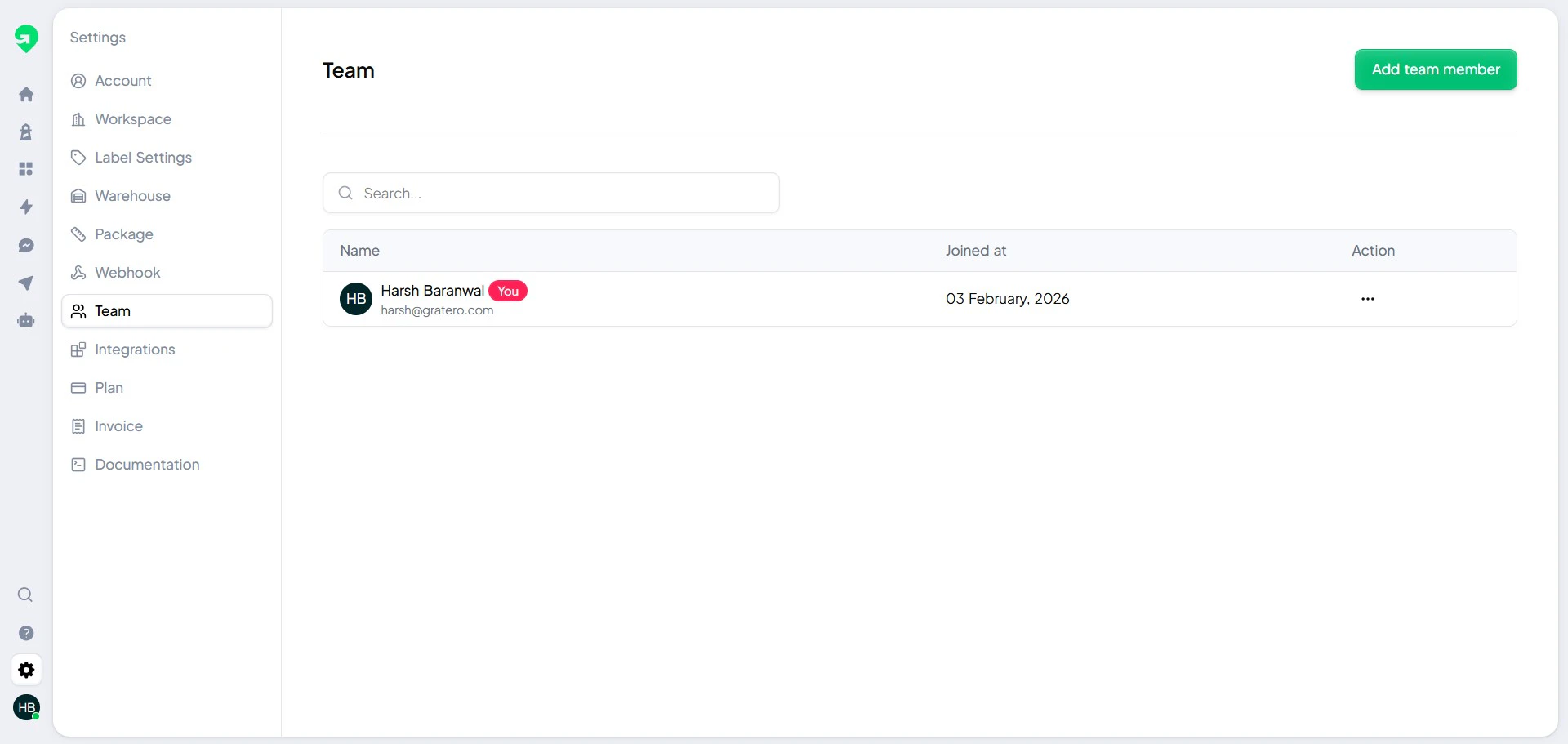
Team management
Invite your operations and support teams so each role can manage the right workflows.
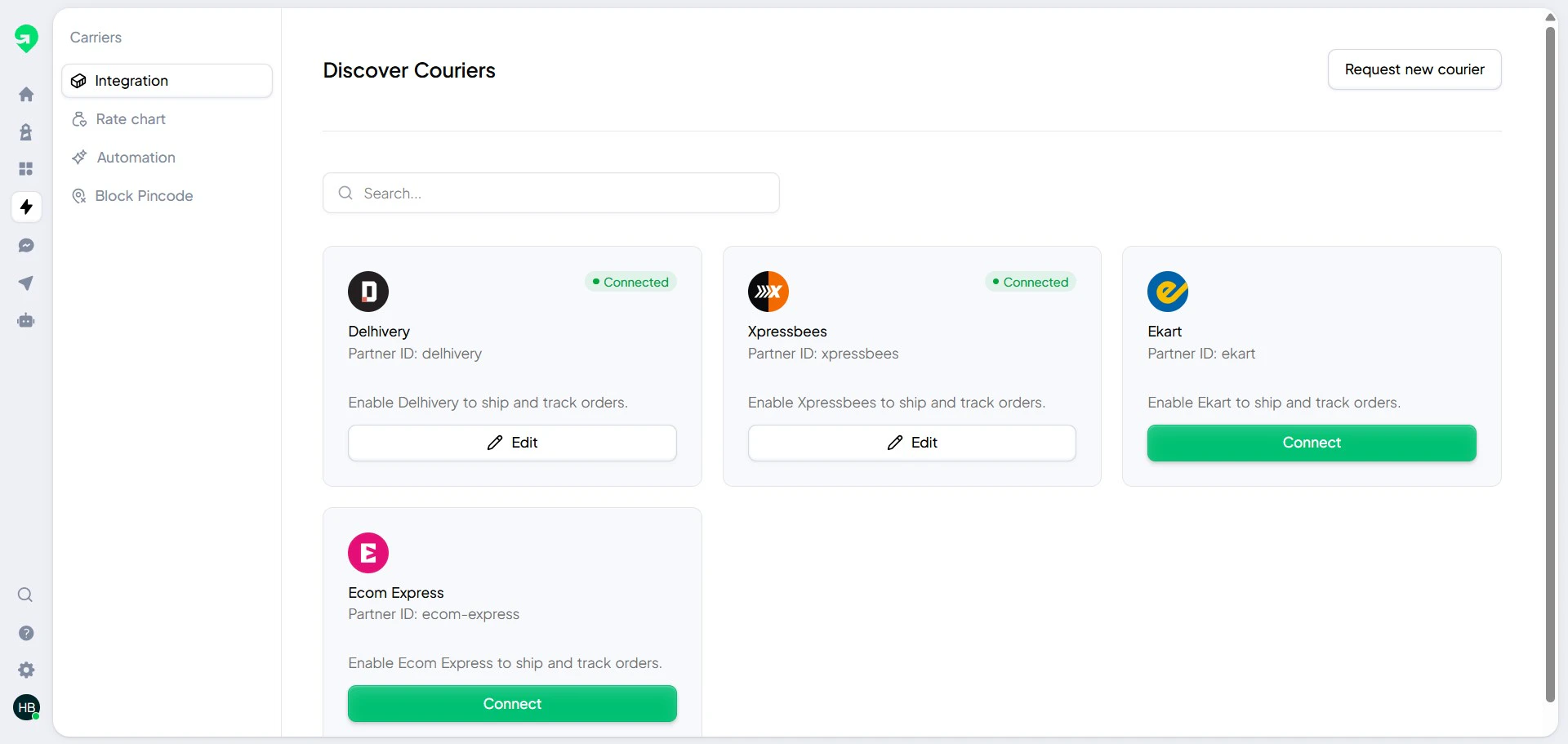
Carrier setup
Connect all courier accounts you use for fulfillment.
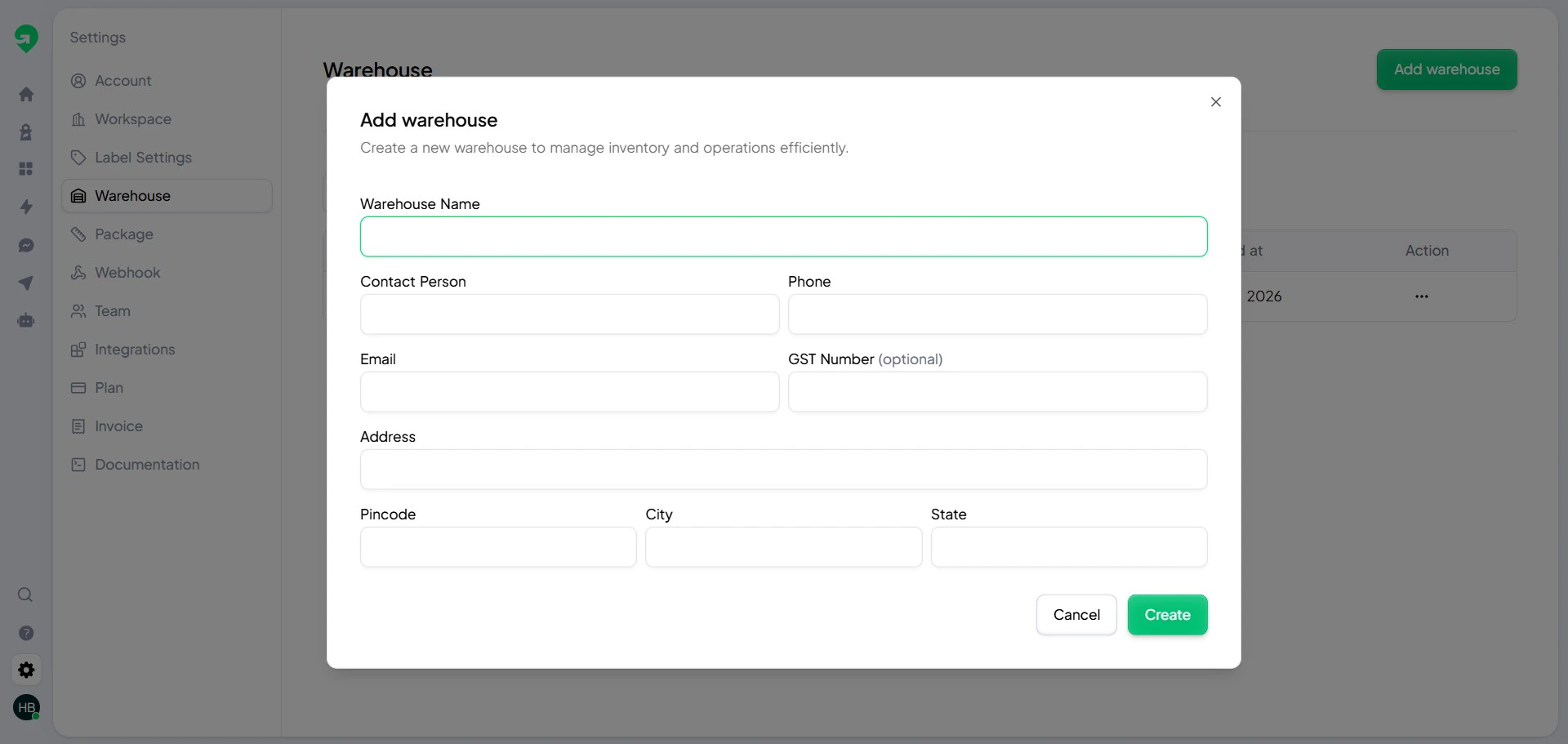
Warehouse setup
Each warehouse controls pickup origin, SLA expectations, and operational routing.
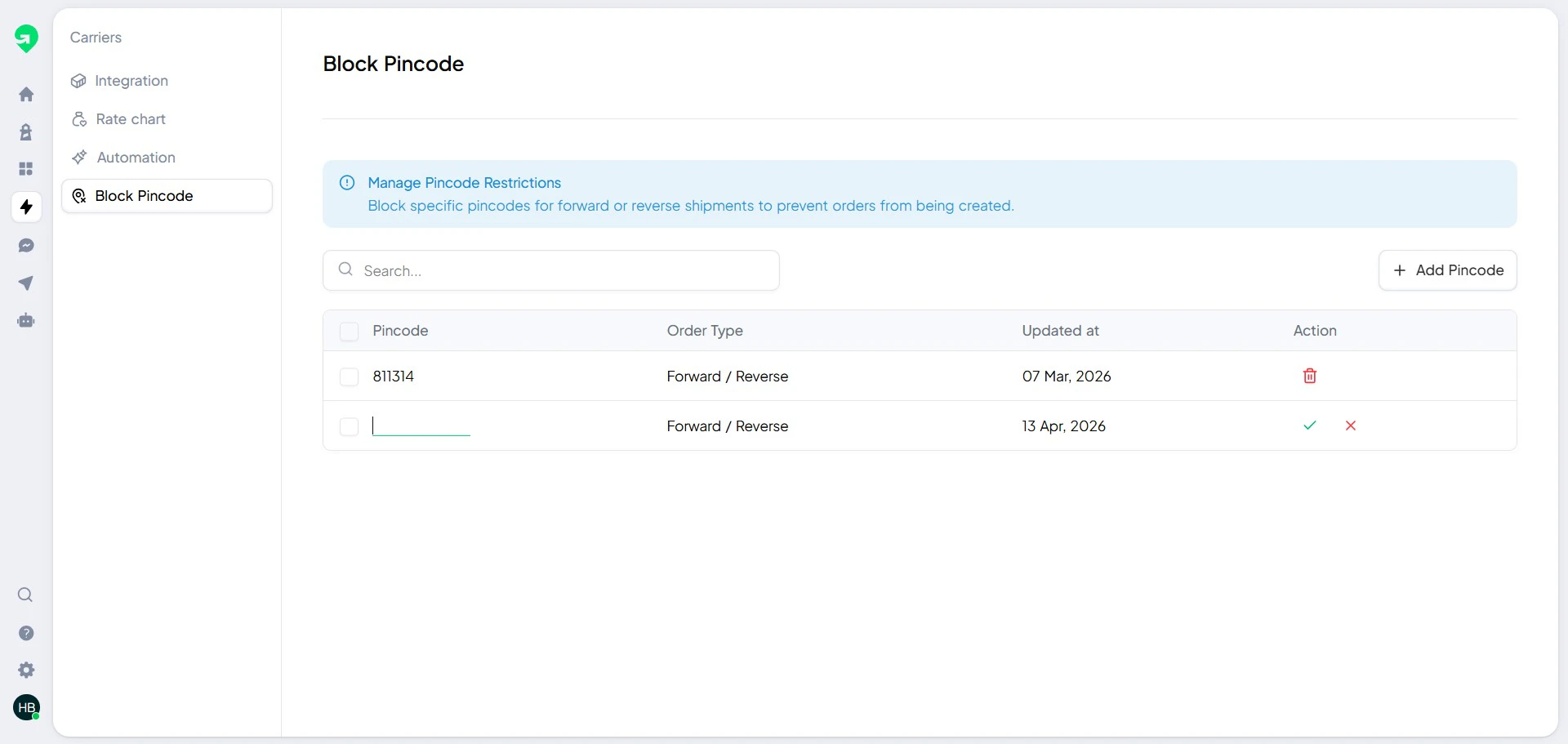
Block pin codes
Use pin code blocking to proactively avoid shipment creation for known risky zones.
Review blocked pin codes weekly and remove temporary restrictions once service resumes.
Recommended setup order
- Add team members.
- Add warehouses.
- Connect carriers.
- Configure blocked pin codes.
- Run a test shipment before going live.